How to write a trading plan: 6 rules that protect you in a sharp sell-off
When the market has been red for weeks, decisions get hard. A plan written in advance takes emotion out. Template included.
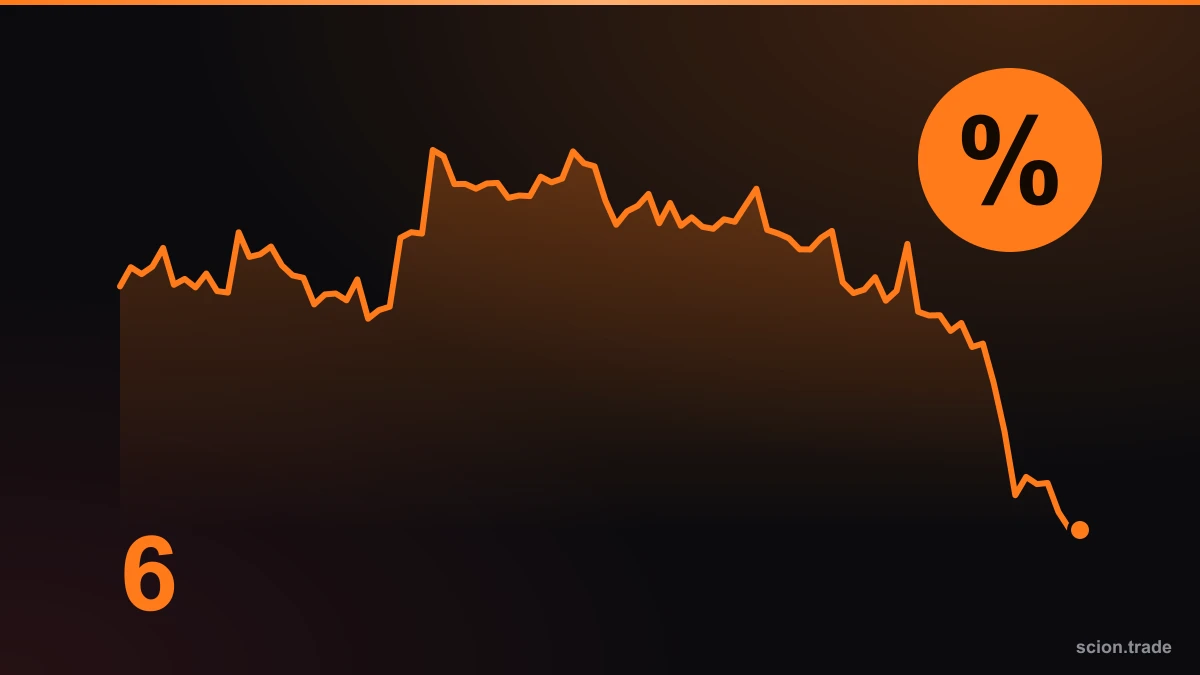
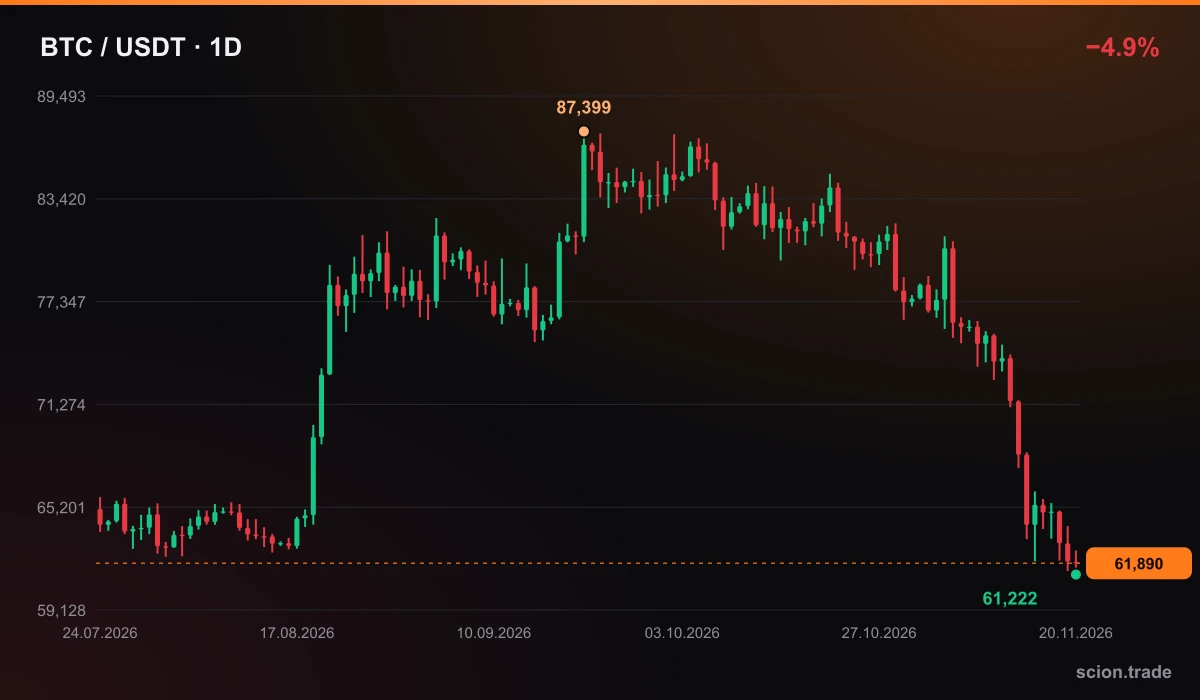
BTC is roughly 30% below its high and the fear index has sat in extreme fear for months. In periods like this the biggest mistake usually comes not from analysis but from decisions without a plan: panic selling, or raising leverage to win losses back (revenge trading).
A trading plan means making those decisions in advance, with a calm head, not while the market is moving.
The 6 parts of a plan
1. What do I trade?
Markets and timeframe: "Only BTC and ETH, 4-hour chart." Fewer instruments means better focus.
2. When do I enter?
Describe the setup in words: "In a daily uptrend, a 4H pullback to support plus a reversal candle." If you can't describe it, you don't have a setup.
3. How much risk per trade?
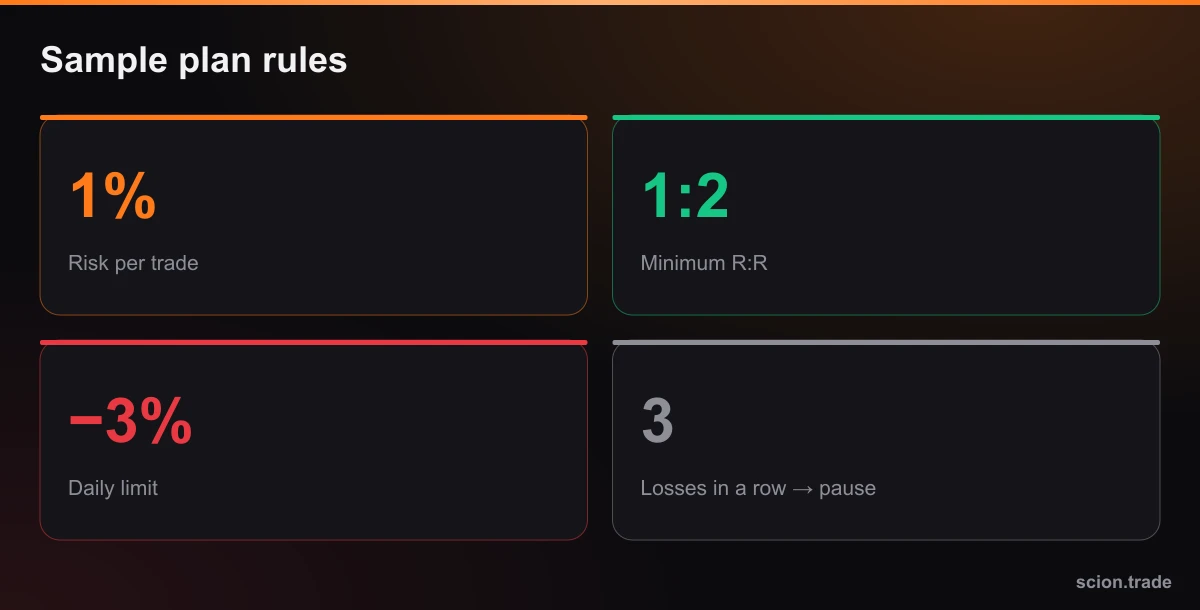
For example 1% of the account. Whatever the stop distance, the loss never exceeds that amount; find the size with the position size calculator.
4. Where do I exit?
Stop and target are set before entry. Aim for at least 1:2 risk/reward.
5. When do I stop?
Set daily and weekly loss limits. Example: no more trades that day after −3%; a break after 3 losses in a row.
6. How do I review?
Log every trade in a trading journal: why you entered, whether you followed the plan, how you felt. Review weekly.
Why a plan works
- Less decision fatigue: you don't rethink everything on each candle.
- Limited losses: even on the worst day most of the account survives.
- Measurable results: separating on-plan and off-plan trades shows what actually works.
Short template
- Markets / timeframe: …
- Entry rule: …
- Risk: …% of account per trade
- Stop and target rule: …
- Daily/weekly loss limit: …
- Review day: …
Write it on paper or your phone and keep it where you can see it while trading.
Note: the numbers are examples; set your own based on your account and experience.
This material is for educational purposes only and is not investment advice.