How to read CME FedWatch: what a 97.5% December hike probability means
FedWatch shows the market's probability of rate decisions. A December hike is priced at 97.5%: what that number means and what it does not. Explained with today's data.
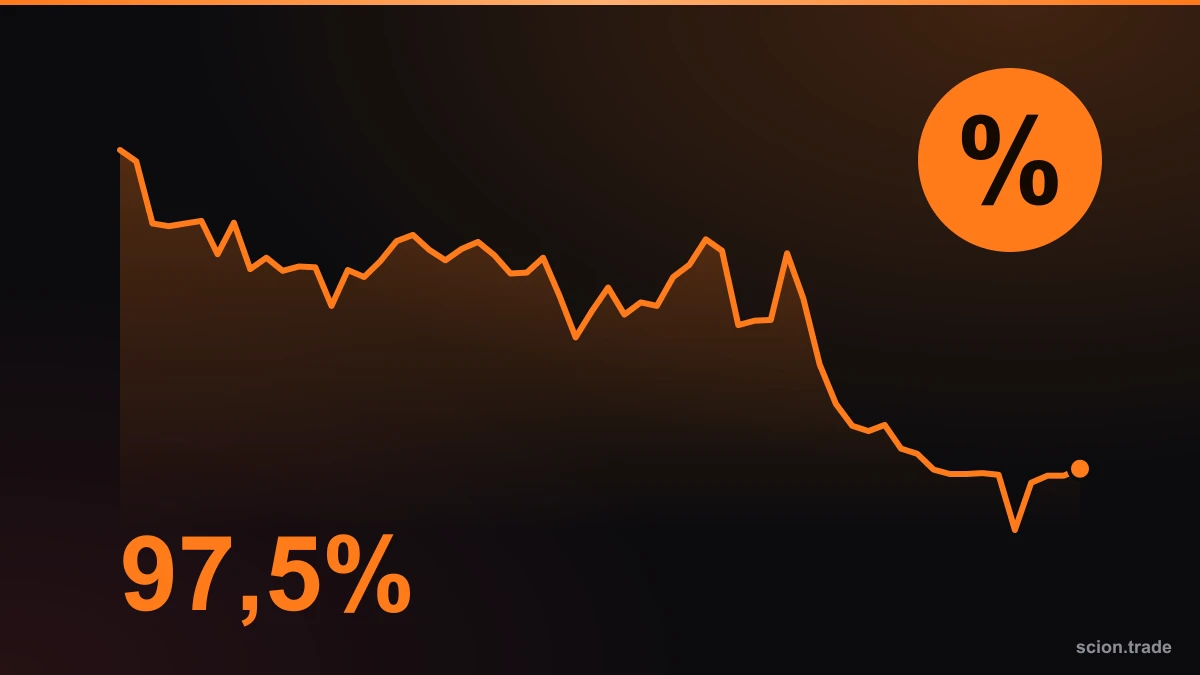
In recent days headlines keep repeating one sentence: CME FedWatch shows a 97.5% chance of a rate hike in December. Read wrongly, that number leads to wrong conclusions. This article explains what FedWatch is, how it works and what it shows with today's numbers.
What is FedWatch?
CME FedWatch is a tool from the CME exchange. It calculates market participants' expectations for Fed rate decisions from interest-rate futures prices. So it is not an official Fed forecast, but a market expectation expressed in money.
- Each Fed meeting gets its own probabilities (for example hike, hold, cut).
- Probabilities update every day as futures prices change.
- New inflation or jobs data, or remarks from Fed officials, can shift them quickly.
Today's numbers
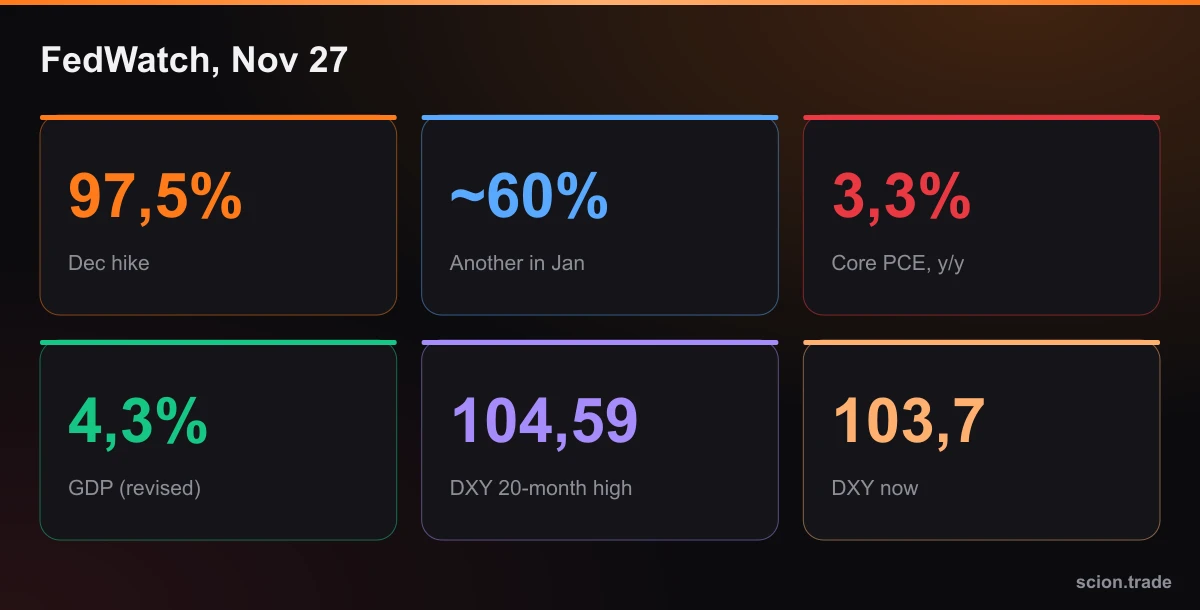
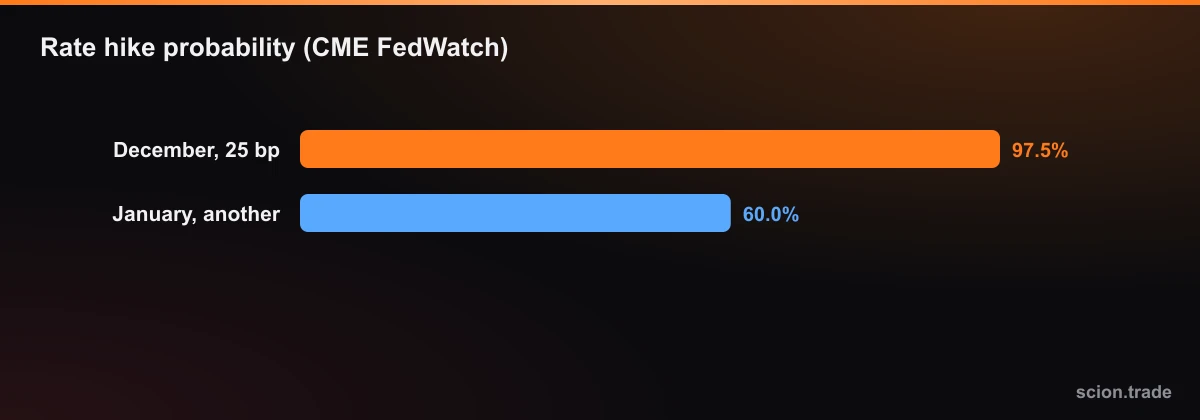
According to FXStreet's Nov 26 report, FedWatch prices a 25 bp hike in December at 97.5% and another increase in January at about 60%. The market also expects further hikes in 2027.
Behind this expectation is the data released on Nov 25: per TD Securities, October core PCE rose 0.29% month on month and 3.3% year on year, personal income grew 0.7% and revised GDP came in at 4.3%.
What 97.5% means and what it does not
- It is a pricing, not a decision. 97.5% means the market is almost sure of a hike. It does not guarantee the Fed will act.
- The expected news is already in the price. The market prices the hike in advance. When it is announced, prices may barely move; the main impact comes from a deviation from expectations: for example if the Fed sounds more hawkish than expected or signals a pause.
- A probability is not certainty. A 60% chance for January means the market is less sure, and it can change quickly with new data.
- The sequence matters. Look not at one meeting but at the series of probabilities: how many hikes the market expects and when it thinks they end.
How it affects prices
Higher rate expectations usually act like this (a historical tendency, not a law):
- The dollar strengthens. This week DXY hit 104.59, a 20-month high, and is now near 103.7.
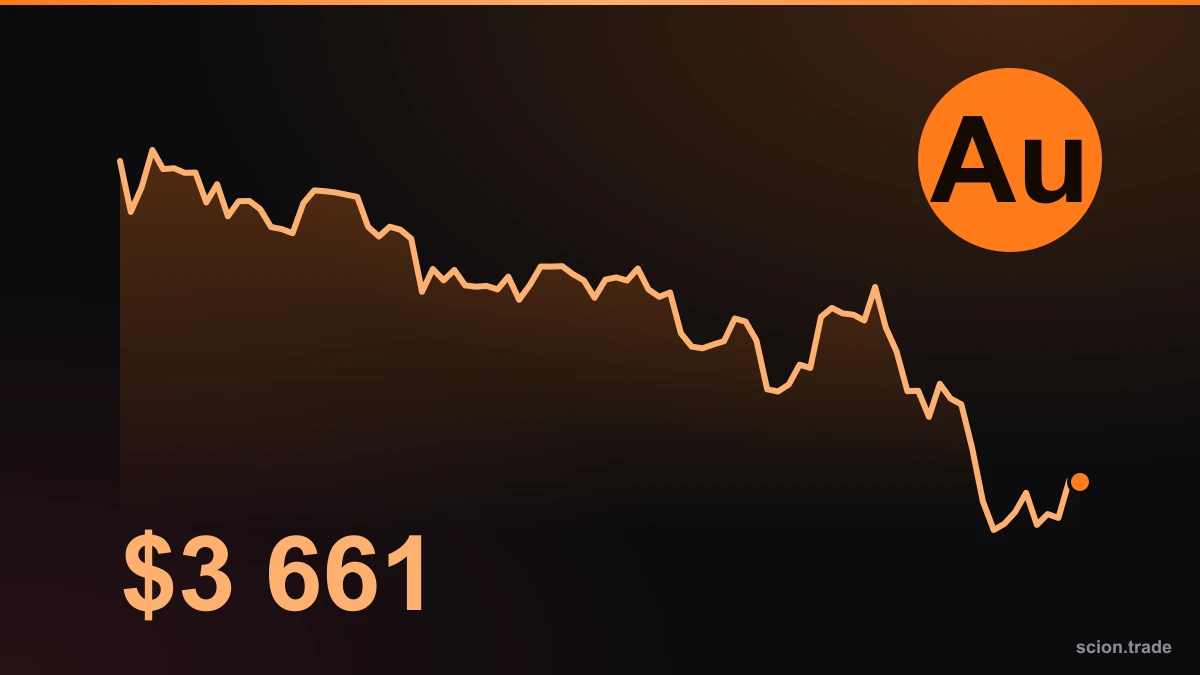
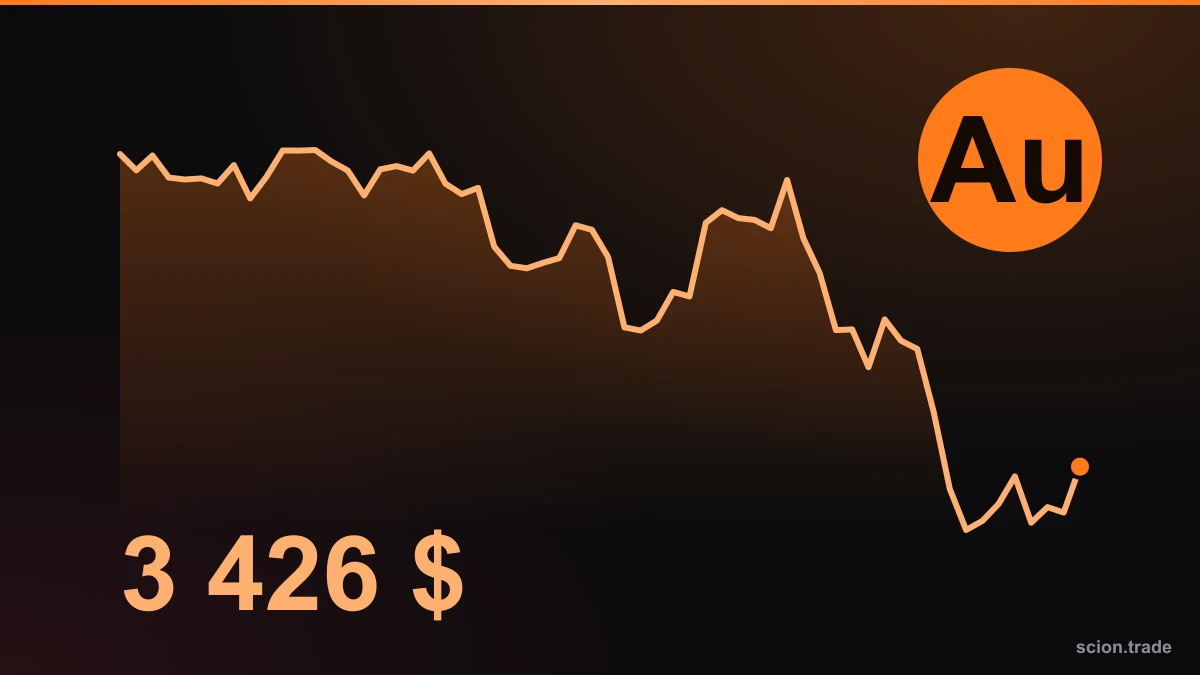
- Non-yielding assets come under pressure. Gold fell to 3,426 on Nov 25. Crypto is also sensitive as a risk asset.
- Equities are sensitive, especially richly valued tech stocks.
But the link is not always the same: if a hike is already priced, the market sometimes drops before the news and recovers after it. Gold's sharp bounce off its low this week looks like such a case.
How to use FedWatch
- Pick the next meeting in the tool and look at the probability distribution.
- Before the meeting, check the dates of key data (CPI, PCE, jobs) in the economic calendar: Scion calendar.
- If the probability swings sharply within a few days, that signals volatility.
- If you open a position, use the position size calculator and set your stop level in advance.
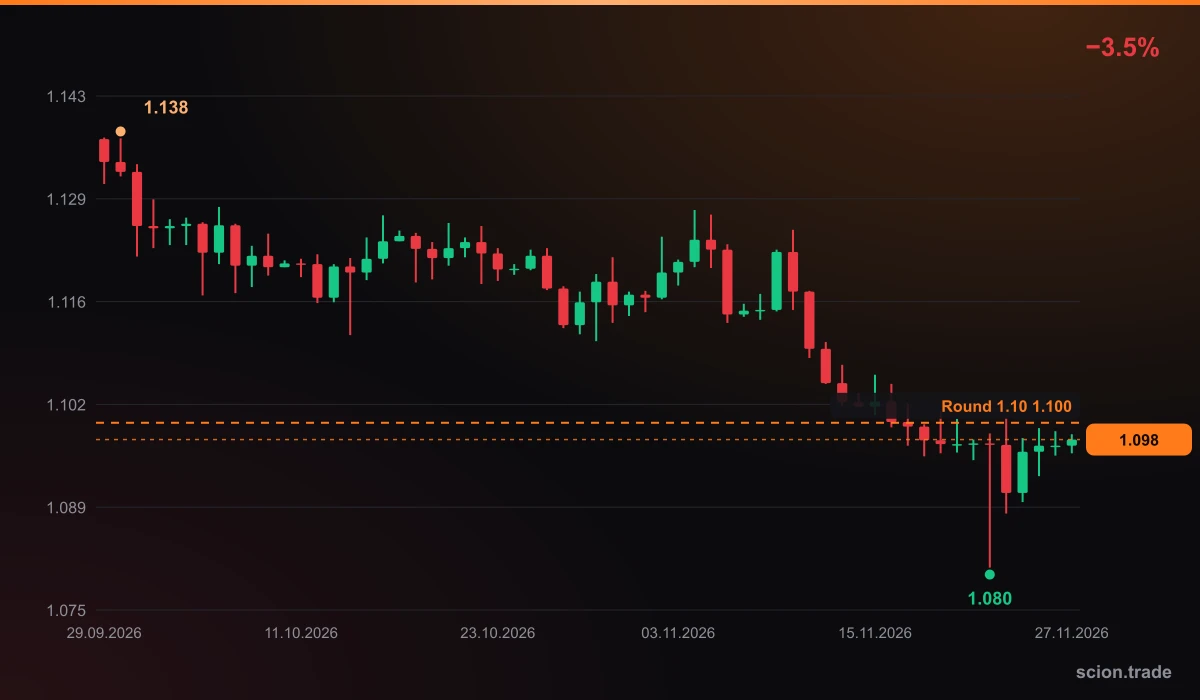
EUR/USD moving sideways around 1.097 in recent days also suggests the market has largely priced in this expectation.
Sources
This material is for educational purposes only and is not investment advice.