How to buy USDT with manat: P2P price gaps and how to avoid scams
Buying USDT with AZN via P2P: the maths at 1 USD = 1.70 AZN, the real cost of the spread, the name-match rule and the most common scam patterns.
For many people in Azerbaijan, crypto starts with one step: buying USDT with manat. The most common route is the P2P section of an exchange: the buyer sends manat to the seller by bank transfer while the exchange holds the USDT in escrow (temporary custody). This article explains the maths, the price gap and the safety rules in plain terms.
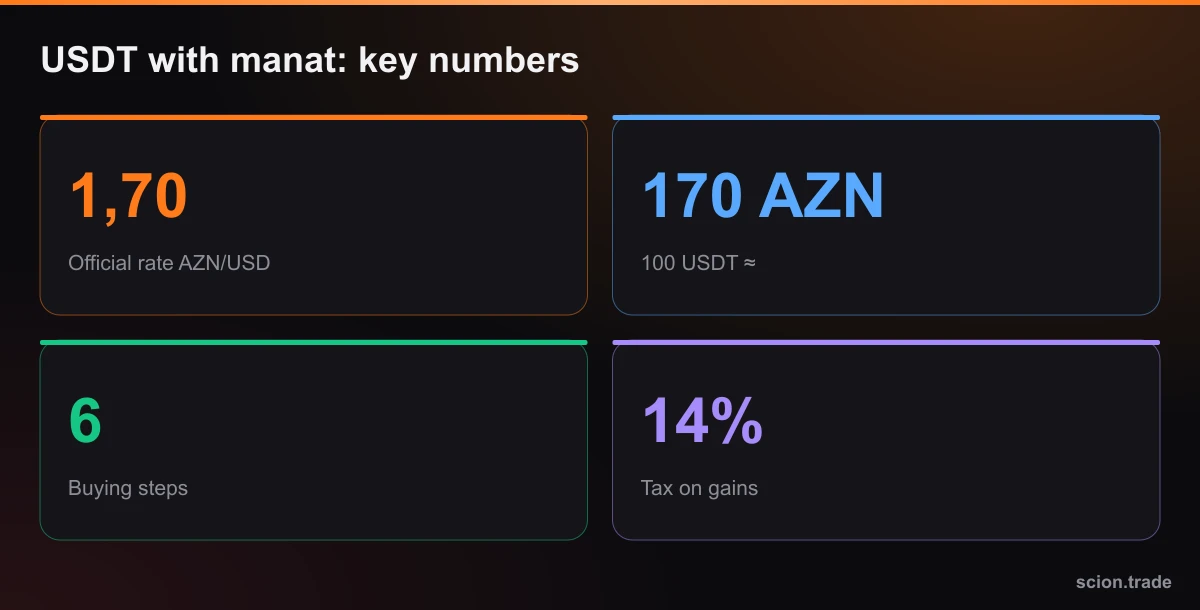
The basic maths: how many manat is 1 USDT?
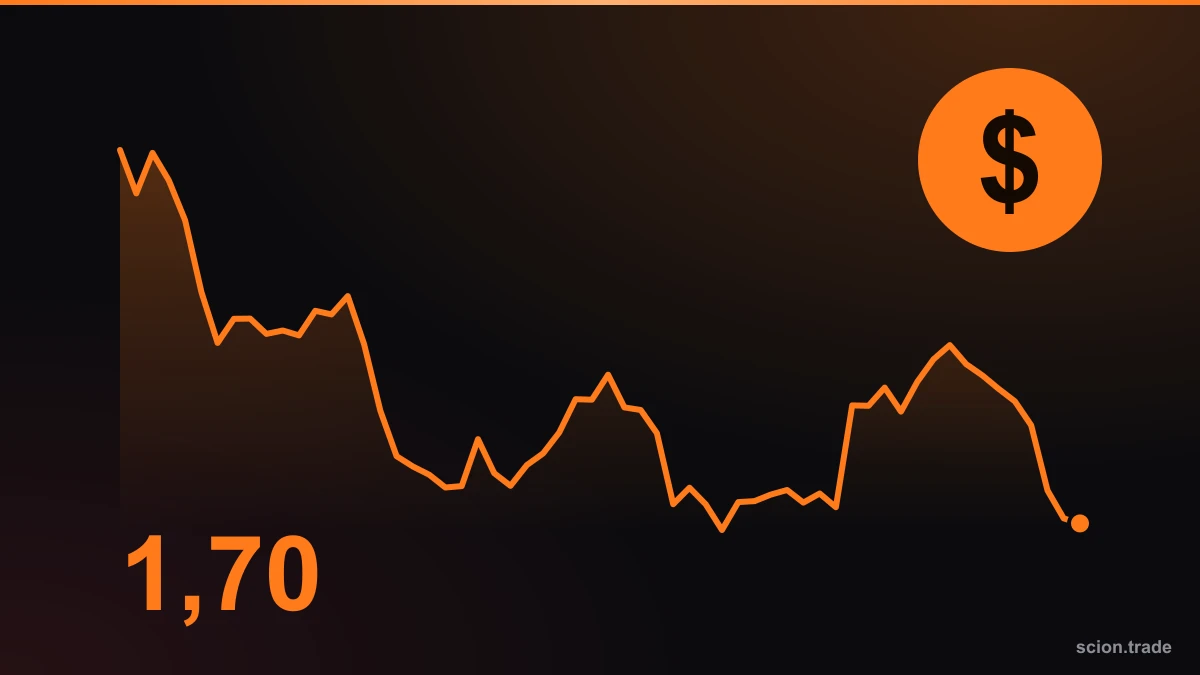
The official rate is 1 USD = 1.70 AZN. USDT is a stablecoin pegged to the dollar, so the maths is simple:
- 100 USDT ≈ 170 AZN
- 1,000 USDT ≈ 1,700 AZN
On P2P, sellers set their own price, which can sit a little above the official rate. That difference is the spread (an extra cost).
The real cost of the spread (example)
The figures below are a hypothetical example, not real listings. The aim is to show how a small-looking gap affects the amount.
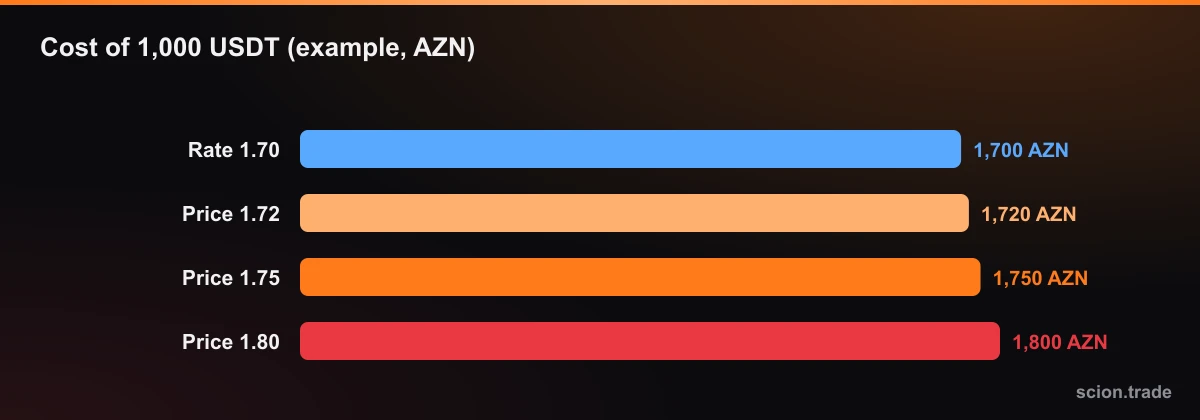
- If the seller asks 1.70 AZN: 1,000 USDT = 1,700 AZN.
- If the seller asks 1.75 AZN: 1,000 USDT = 1,750 AZN, i.e. 50 AZN more (about +2.9%).
- Formula: amount to pay = USDT amount × seller's price.
The first step is always to compare several listings. The limit, payment method and the seller's completion rate matter too.
Buying on P2P, step by step
- Verify your account (KYC): according to a Datawallet review, unverified Azerbaijani accounts cannot complete a P2P order. It is a commercial site, so check the terms on your own exchange's page.
- Pick a listing: AZN, USDT, "Buy". Check the seller's completed orders and rating.
- Create the order: enter the amount. The exchange freezes the USDT in escrow.
- Send the payment: only to the details in the listing and only from an account in your own name.
- Press "I've paid": only after you have sent the money.
- Wait for the USDT: the seller releases it from escrow once they see the money in their bank account.
The name-match rule
Many exchanges (per Datawallet, for example Bybit and OKX) check which account a payment came from: the bank account holder must be the same person who passed KYC on the exchange. Paying from someone else's card or account can lead to the order being cancelled and the account frozen. Each exchange has its own rules, so read them first.
The most common scams
- Moving off-platform: a seller says "let's talk on Telegram, I'll sell cheaper". Outside escrow there is no protection.
- Fake payment receipt: the seller writes "I sent it, here's the screenshot". The proof is not a receipt, it is money visible in the bank account. As a buyer, press "I've paid" only after a real transfer.
- A third party's account: the listing shows a different name.
- "Invest" channels and "admins": "send USDT and we'll return double". Any guarantee of profit is suspicious.
- Urgency pressure: "send within 10 minutes or the offer closes". A genuine seller does not demand this.
- Network mistakes: sending USDT on the wrong network (e.g. ERC20 instead of TRC20) can lose the funds. Test with a small amount the first time.
Legal and tax side
- Azerbaijan has no dedicated crypto law yet. The Central Bank has said it expects the draft law to be adopted by the end of 2026 (Report.az). Rules may change until then.
- We have a separate article on tax: Tax on crypto, forex and trading income in Azerbaijan. Official information: e-taxes.gov.az.
- Keep the date, amount and receipts of your transactions.
Quick checklist
- [ ] Compared with the official 1.70 rate.
- [ ] Looked at several listings and worked out the spread.
- [ ] Paying from an account in my own name.
- [ ] Using only the platform chat.
- [ ] Pressing "I've paid" after sending the money.
- [ ] Starting small the first time.
Sources
This material is for educational purposes only and is not investment advice.